Futures and spot
One ticket flips from one to the other, so there is a single thing to learn.


Five asset classes in a single terminal. Chart, book, ticket and the margin in use all stay visible, and no tab ever needs switching.
We cannot load market data at the moment.
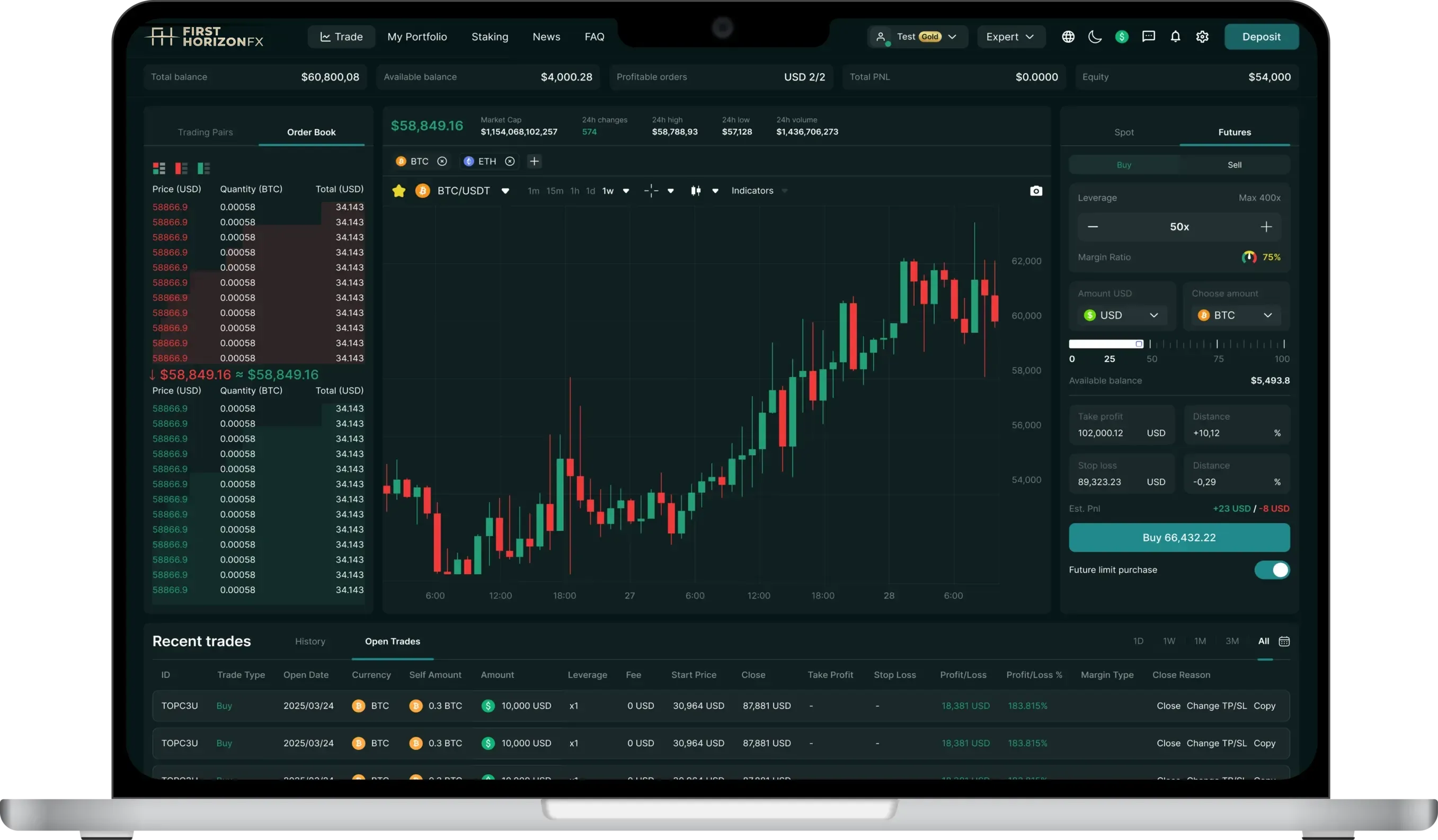
One panel handles futures and spot. Pick the leverage and the quote currency, then fix the exit ahead of opening the position.
One ticket flips from one to the other, so there is a single thing to learn.
Chosen on the ticket, and the margin ratio moves while you adjust position size.
Given as a price level or as a percent offset from where you entered.
Place a level in the book ahead of time and the order waits until the market arrives.
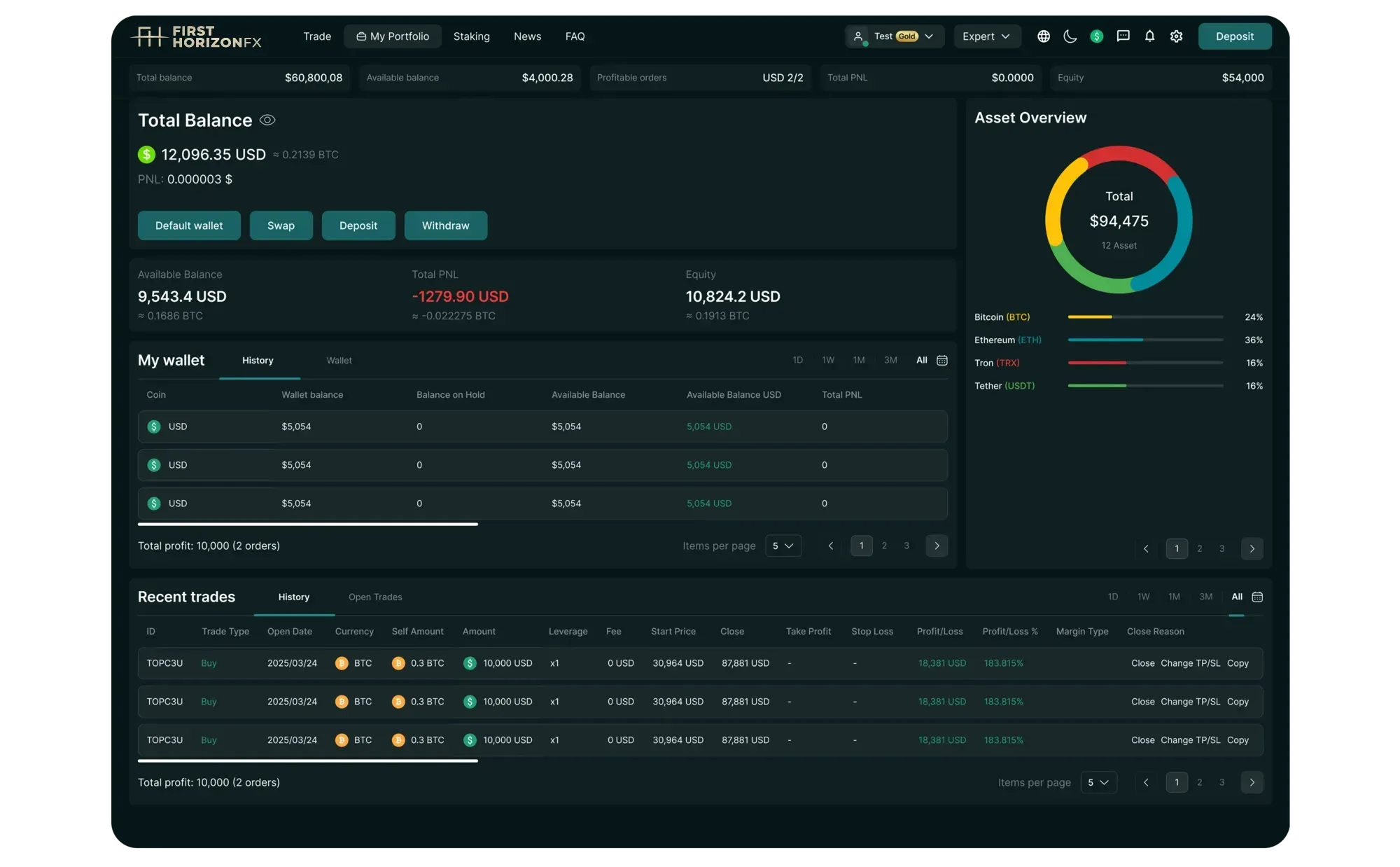
It shows equity, open PnL, the total and the available balance, plus how your holdings are allocated. Swaps, withdrawals and deposits start from that same view.
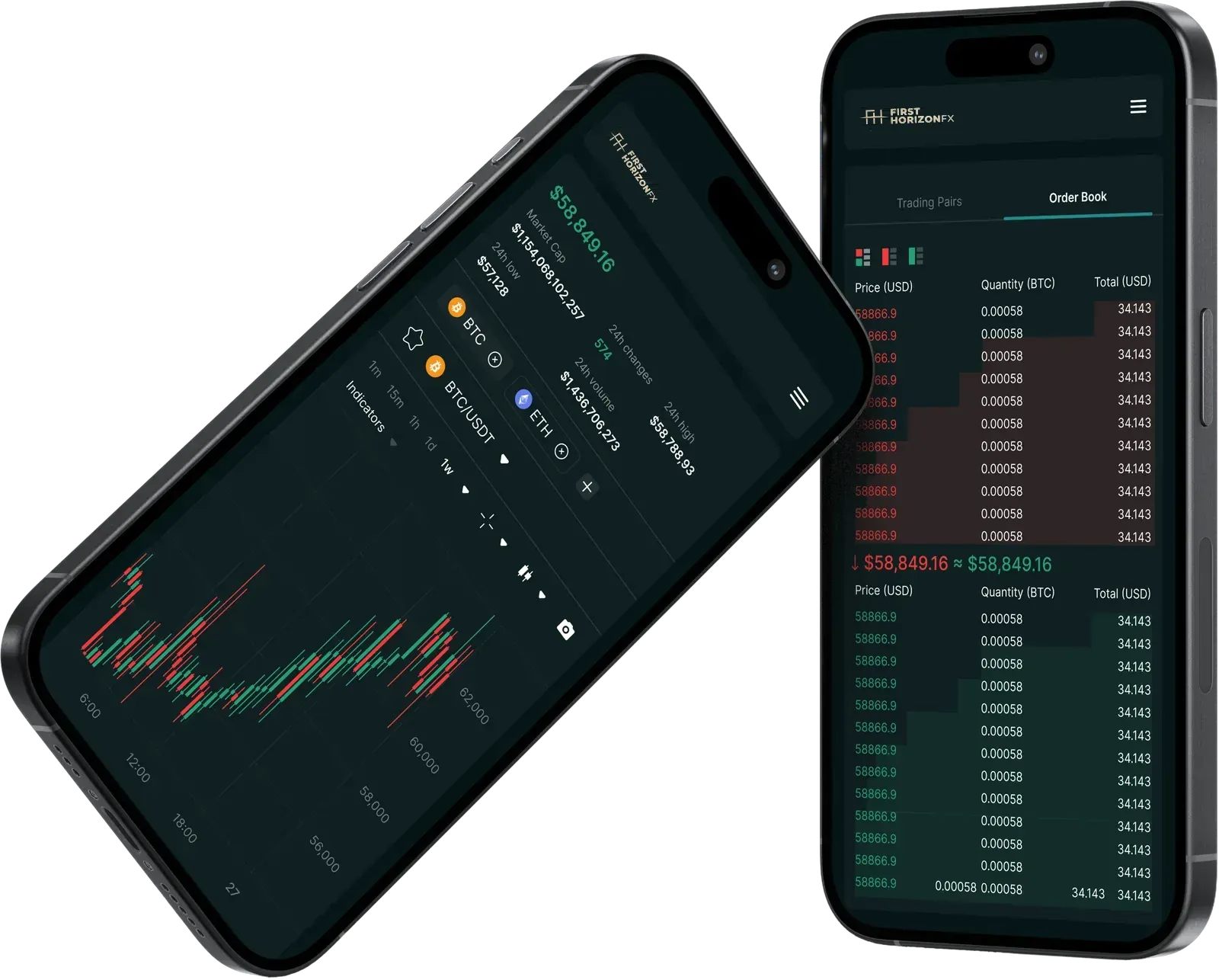
Mobile gets the full set of tools. Only the layout is rearranged.
Point at the plot or focus it, and step through it with the arrow keys
We cannot load market data at the moment.
Yes. Open an account and the terminal loads even with a zero balance. The help centre, symbol search, charts and the order book are all usable before any deposit.
Spot means buying the asset outright from your balance. Futures mean posting margin to open a leveraged position, under cross margin with a ratio that updates live. One ticket and one chart serve both.
Yes. Before a position opens, the ticket lets you add take profit and stop loss, each as a fixed price or as a percent offset from the entry.
A live gauge follows it on the ticket and in the list of positions. Near the liquidation level the position gets closed so the remainder of the account is protected, and that is the reason the figure shares a screen with the order.
The first step can always be undone. Browse the terminal, check prices on a handful of markets, and make a deposit only if it adds up for you.